Product

A financial-ops bench built from focused agents and bounded workers.

dayBook gives recurring bookkeeping jobs a clear owner. Some workflows can use AI judgment; others stay deterministic by design. The goal is not maximum autonomy. It is dependable financial motion with visible review points.

Core pack

Start with the jobs almost every small business has.

The core pack centers on daily cash awareness, month-end exceptions, and document intake.

Core

Daily Cash Brief

Weekday cash, AP due, a conservative AR haircut, and payroll coverage — using QuickBooks, plus a payroll schedule dayBook finds in your books for you to confirm. You set your own cash cushion in dollars, and the brief tells you whether you stay above it. dayBook suggests a quarter of one payroll to start.
Bounded
Core

Close Pack

A monthly exception pack for uncategorized, unmatched, overdue, and missing-document items. Where the fix is clear, dayBook prepares it for you to confirm. It packages the work; it does not give CFO advice. It also catches what slipped past QuickBooks' bank matching:

  • A paid invoice still showing open.
  • Undeposited Funds that never empties.
  • Bank entries the bank feed never showed.
  • Loan payments not split into principal and interest.
  • Card payouts recorded as sales on top of the sales they paid out, matched to the cent with the card fee shown.
  • A deposit typed in as a journal entry, which dayBook can record as a proper deposit once you remove the entry.
Review
Core

Scan & Code

Reads receipts and drafts the payee from your vendor list, the amount and the account. When you confirm, dayBook enters it in QuickBooks with the receipt attached.

  • A mixed receipt is split across accounts.
  • If the expense is already in QuickBooks, the receipt is attached rather than entered twice, and blanks like the payment method are filled in without changing anything you entered.
  • Paid on a personal card? It becomes a bill to pay that person back.
  • A partly paid document, or a bill that only shows its due date, is never entered as paid.
  • An invoice or quote you sent, or a statement of earlier bills, is recognized and left out. A statement that is itself the bill, like a monthly royalty statement drafted by ACH, becomes a bill due on the draft day, or is attached to it if it's already in QuickBooks.
  • On QuickBooks Plus and Advanced, a supplier's bill with stock items is entered against your items, with quantity times price checked to the cent.
  • When a receipt shows who the cost is for, such as a client, a job or a property, dayBook puts that customer from your QuickBooks on the entry, and asks you first when the name isn't an exact match.
  • If your QuickBooks tracks billable expenses, a "Billable to" box lets you mark the cost billable to that customer, so it's waiting when you next invoice them.
  • When you add a new vendor from a receipt, it gets the address, phone, email and website printed on it. For a vendor already in QuickBooks, you can tick any of those it's missing to fill them in, without changing anything you entered.
  • PO, job, case and other references on the receipt are copied into the entry's note.
  • When a receipt could go either way, dayBook asks you one question about how your business works, and remembers your answer in Memory.
You confirm
A deliberate boundary

Not every workflow should become an autonomous agent.

dayBook uses the simplest control model that fits the job. Repetitive transforms can stay as workers. Judgment can be added where it creates real value. Regulated or discipline-sensitive actions can remain permanently review-led.

WorkersDeterministic, bounded tasks with predictable inputs and outputs.
AgentsUsed selectively when choosing, prioritizing, or drafting benefits from context.
ApprovalsConsequential sends, posts, or filings can stop for human review.
GuardrailsTrust, IOLTA, and other potential high-risk workflows keep hard boundaries.
Industry packs

The books get harder when operations get specific.

These planned workflows add the edge cases that make each industry different, from what's already in your books.

Trades & subs

Job Cost & Progress Billing

Codes bills and time to jobs and cost codes, drafts pay apps, tracks retainage, lien-waiver checklists, and WIP.

Review
Restaurants

Prime Cost

Weekly food-plus-labor cost against sales, across locations, from what's in your books.

Bounded
Law firms

IOLTA & Billing

Three-way reconciliation by client, overdraft blocks, unbilled costs, and overdue invoice lists. Never autonomous posting.

Review only
Nonprofits

Grant & Restricted Fund

Tags income and expense to grants, compares budget to spend, allocates payroll, and drafts funder reporting with an audit trail.

Bounded
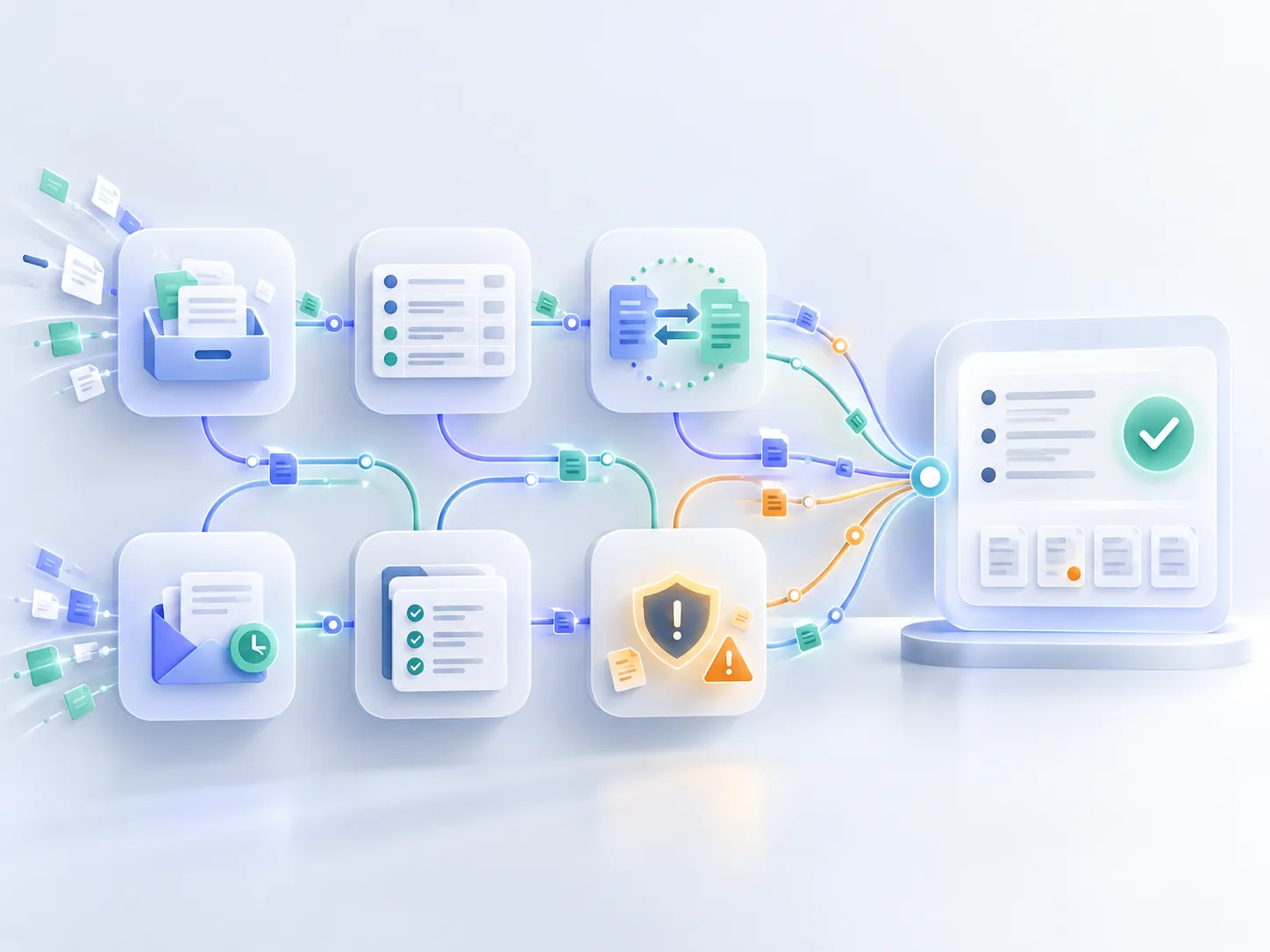
Visualization of focused dayBook agents and bounded workers coordinating financial operations
Orchestration

The handoff matters as much as the task.

The same receipt, deposit, exception, or overdue invoice should not have to be rediscovered in every workflow. dayBook is designed to carry context forward and surface the next useful action.

  • Daily cash context can feed the next review instead of disappearing.
  • Scanned documents can become draft coding, then exceptions when something is missing.
  • Industry packs can add operational context without changing the core control model.
  • Humans can see what was prepared, what is blocked, and what needs judgment.

Which workflow is eating the most time today?

Tell us your industry, accounting stack, and recurring bookkeeping pain.

Talk to us